
What belongs in an AI policy for a small business?
Without a clear rule, each person decides for themselves what is confidential and what may go into an AI tool. A short policy takes that burden off individuals and turns quiet use into a shared way of working.
Using AI well · 10 October 2026 · 10 min read
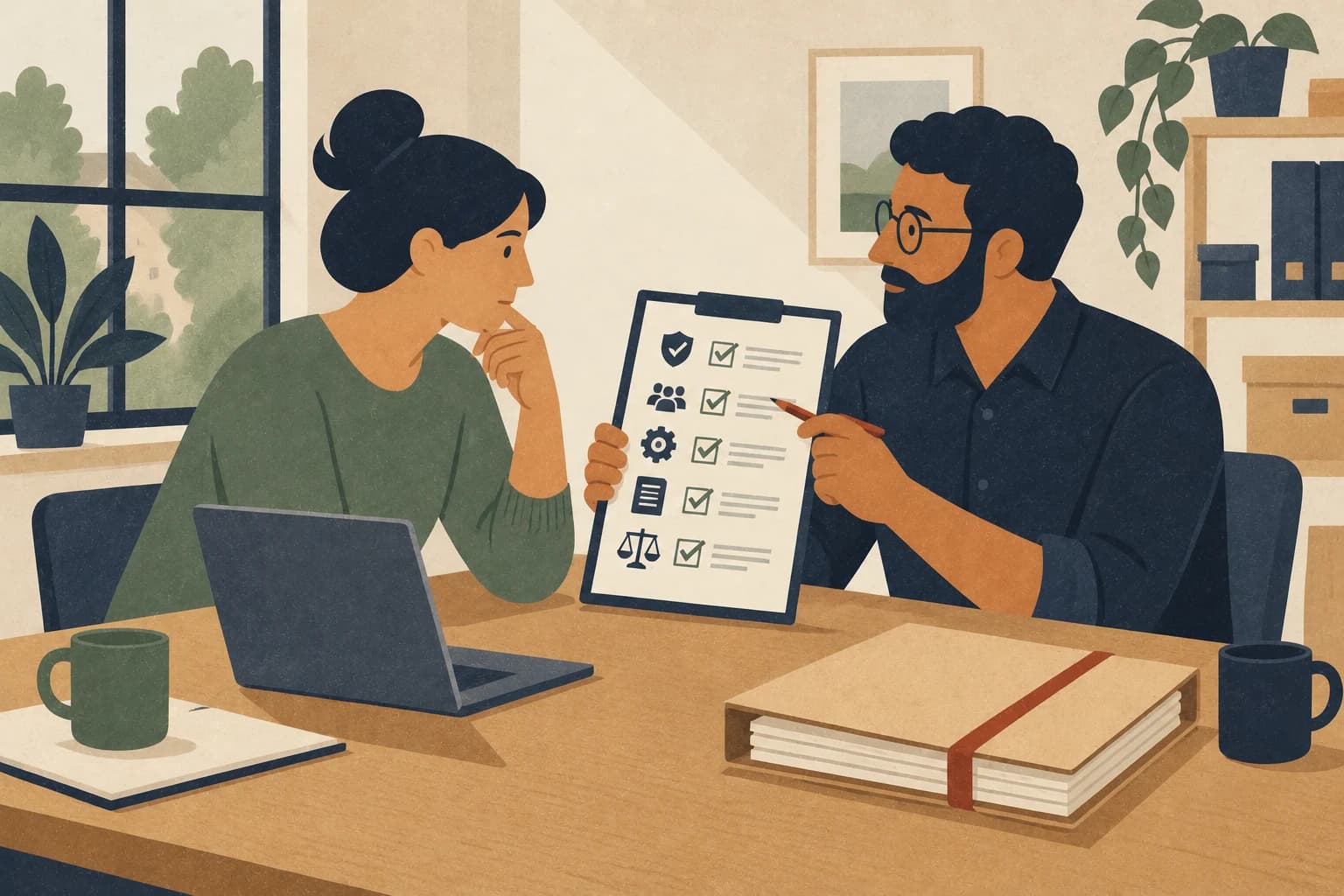
A workable AI policy answers seven questions: Which tools are allowed? Which data can go in? For which tasks may AI be used? Who checks the results? Who is responsible? How are mistakes reported? When is a specialist brought in?
The document does not need to be long. It needs to help people decide in daily work. A short rule with clear examples works better than a comprehensive paper nobody reads.
Why “use AI responsibly” is not enough
People need concrete limits. Without a rule, each person decides for themselves what is confidential, which account is good enough, and when a result must be checked.
That creates two problems at once. Some do not use AI at all, even where it would help. Others copy documents into private accounts and accept answers without enough control.
An AI policy creates a shared starting point. It replaces neither training nor professional review, but it states what is allowed today and who decides when something is unclear.
The first step: give the first draft an afternoon, not a week.
Rule 1: Name the allowed tools
Do not just write “AI tools” in the policy. Name the approved services and account types.
State whether private accounts are allowed for business tasks, and who reviews and approves new tools. A tool is not trustworthy because it is well known. What matters is the contract, settings, data processing, access rights, and intended use.
The next step: list every tool your team already uses, including the unofficial ones. Only then can you see what stays and what does not.
Rule 2: Classify data in plain terms
A simple traffic light is enough to start:
- Green: public and released for use
- Yellow: internal, only enter with approval
- Red: personal, confidential, contractually protected, or security relevant
The traffic light needs one real example
A traffic light alone stays abstract. It only works once it is tied to real documents.
A painting business with seven employees did exactly that as a team. Half an hour, three people, one sheet of paper. Quotes and photos of finished jobs became green. Internal costings and supplier prices became yellow. Customer addresses, contracts, and staff health information became red.
Try it yourself: sit down with two or three people from your business and sort your five most common documents into the traffic light.
Rule 3: Define the allowed tasks
Start with tasks whose result a person can easily check: outlines, drafts, summaries of public content, or ideas with invented sample data.
Mark what must not run on its own. That includes binding prices, payments, bookings, legal advice, HR decisions, and sensitive customer cases.
Make it concrete: write two columns on a sheet, “AI may prepare” and “a person always decides”, and fill both with your own tasks.
Rule 4: Define the human review
“Please check” is too vague. Define who reviews which output. A marketing lead checks different points than accounting or management.
The review covers at least facts, figures, sources, tone, completeness, and confidential information. High-impact content also needs a professional sign-off.
Put it in writing: for every task from Rule 3, name the person who reviews it before it leaves the building.
Rule 5: Keep responsibility with people
AI can produce a draft. It cannot take responsibility. Every published statement, customer reply, and business decision needs a named person.
Public-sector guidance draws the same line. The UK government reminds its civil servants that they remain responsible for their own actions when they use generative AI tools.
Write it down like this: “For [task], [name] is responsible”, for the three highest-risk tasks in your business.
Rule 6: Report mistakes and incidents
People must know what happens after a wrong entry. A mistake kept quiet is harder to contain than one reported early.
Name a simple path: stop using the tool, inform the responsible person, record the data and account involved, and have a specialist review the next steps. The rule should make reporting easier, not punish it.
Make the path visible: put the four steps where your team sees them daily, for example in the internal chat.
Rule 7: Review the policy regularly
Tools, settings, and legal conditions change. Update the policy outside the fixed date too, whenever a new service, use case, or data type appears.
AI rules are still taking shape, with the EU AI Act coming into force in stages, while existing data protection law already applies. A date and an owner therefore belong on every policy document.
Set a fixed date: easiest is to pair it with the annual team meeting.
A practical outline
The first version can consist of eight short sections:
- Purpose of the policy
- Scope and affected people
- Approved tools and accounts
- Data traffic light with examples
- Allowed and excluded tasks
- Review and approval
- Incidents and contact person
- Date of the next review
Sources and further reading
FAQ
Once people use AI for work, shared rules help. Scope and depth follow the data, tasks, and risk of your business.
A template gives you a structure. It does not know your tools, your data, or your processes. Adapt examples, responsibility, and approvals to your business.
Not every harmless text idea needs a log. Critical uses, approved tools, responsibility, and relevant incidents should be traceable. The exact duty depends on the use and should be checked with a specialist when you are unsure.
Mygenzy works with small and mid-sized businesses on processes, marketing, and AI. This article was created with the help of AI and reviewed by people.
Turn quiet use into a clear way of working
The Growth Check maps the tools, tasks, data, and responsibilities in your business. From that we build a prioritised basis for your first internal AI rule. Legally binding and security-critical points stay with the responsible specialists.